8
Governance for LLM Dialogues · v20.2.x
Not a prompt trick. An operational ruleset for robust answers.
Comm-SCI-Control makes LLM behavior visible and controllable: with an explicit execution pipeline, uncertainty labels U1-U8, auditability, and drift protection for long sessions.
Why this system?
From Prompting to Governance
Evidence over guessing
Claims are embedded in quality classes, uncertainty labeling, and verification routes. That improves answer assessment quality.
Structured communication
SCI trace, QC matrix, anchor, and audit give you a repeatable formal language for complex dialogue workflows.
Visible drift control
Context-pressure guard, re-anchor, and Comm Audit surface drift early instead of forcing post-hoc guessing.
Practical entry
Control-oriented orientation pages
For onboarding, use the dedicated pages for motivation, use-case mapping, and explicit limitations. This keeps the operational landing page intact while adding a didactic first path.
Execution Model
P0-P5: Fixed execution order
-
P0 Parse
Commands, modes, and constraints are parsed robustly.
-
P1 Route
Task routing selects normal output flow or SCI variants.
-
P2 State + Context
Session state, context pressure, and drift signals are evaluated.
-
P2B Preflight
PF checks enforce minimum quality before the first token.
-
P3-P5 Contract, Repair, Render
Output contract, one-shot repair logic, and final rendering.
Safety Core
Four protection layers
RAG governance
R-RAG rules prevent unsupported web claims and require claim-level provenance for mixed-source synthesis.
Uncertainty U1-U8
Knowledge gaps, conflicts, and tool limitations are explicitly marked rather than hidden.
Anchor + Audit
Anchor snapshots and Comm Audit let you document and correct session drift with explicit traceability.
Self-debunking
The framework forces critical self-check of its own assumptions. This reduces false confidence in high-stakes topics.
Learn the terms
Pedagogical concept pages
New to terms like SCI trace, QC matrix, context-pressure guard, or RAG governance? Use the concept guide with plain-language explanations and examples.
Roadmap
Transparent limits, wrapper in progress
JSON-only usage is a normative contract, not deterministic executable code. In plain chat usage, adherence remains probabilistic and model/context dependent. For stricter, reproducible enforcement, an API-based Python wrapper is under active development.
Orientation
Website map for fast navigation
Core pages
Glossary and terms
Roadmap and wrapper
Quick start
Live in 90 seconds
Important note: Some platforms trigger a login/verification prompt (e.g., Google, Apple, GitHub) when a large ruleset is pasted. This is a platform-side bot-protection response, not a ruleset error. After authentication, continue with your first standalone command (e.g., Comm Start).
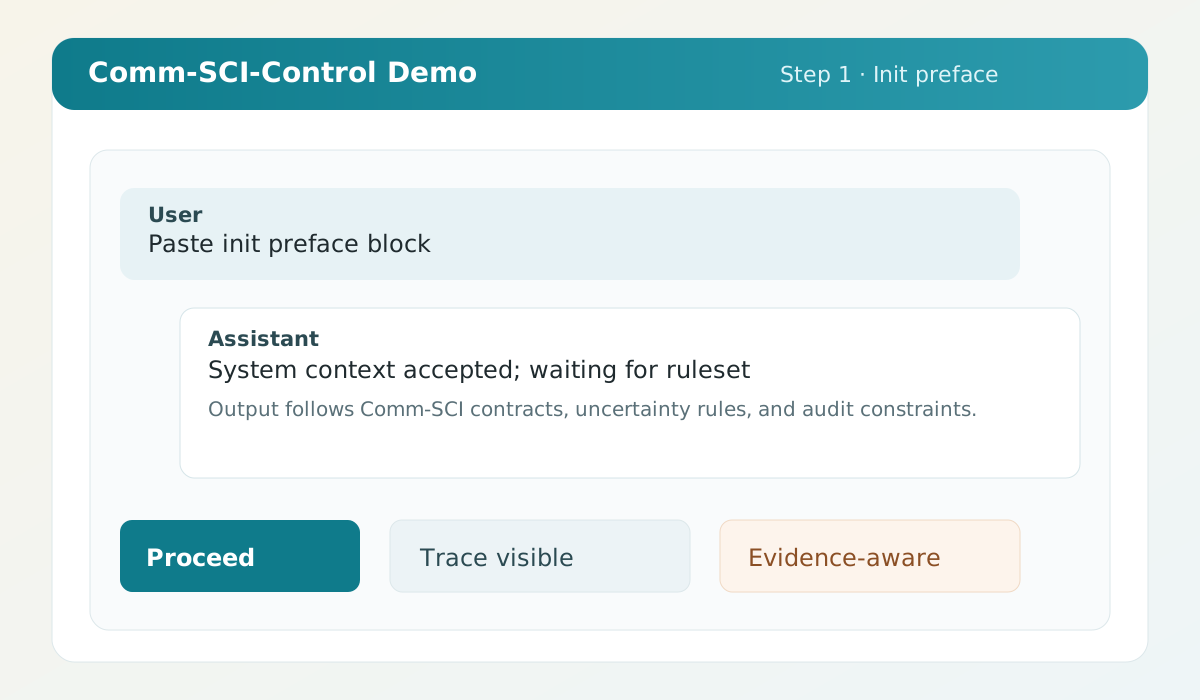
1. Paste init preface (block below)
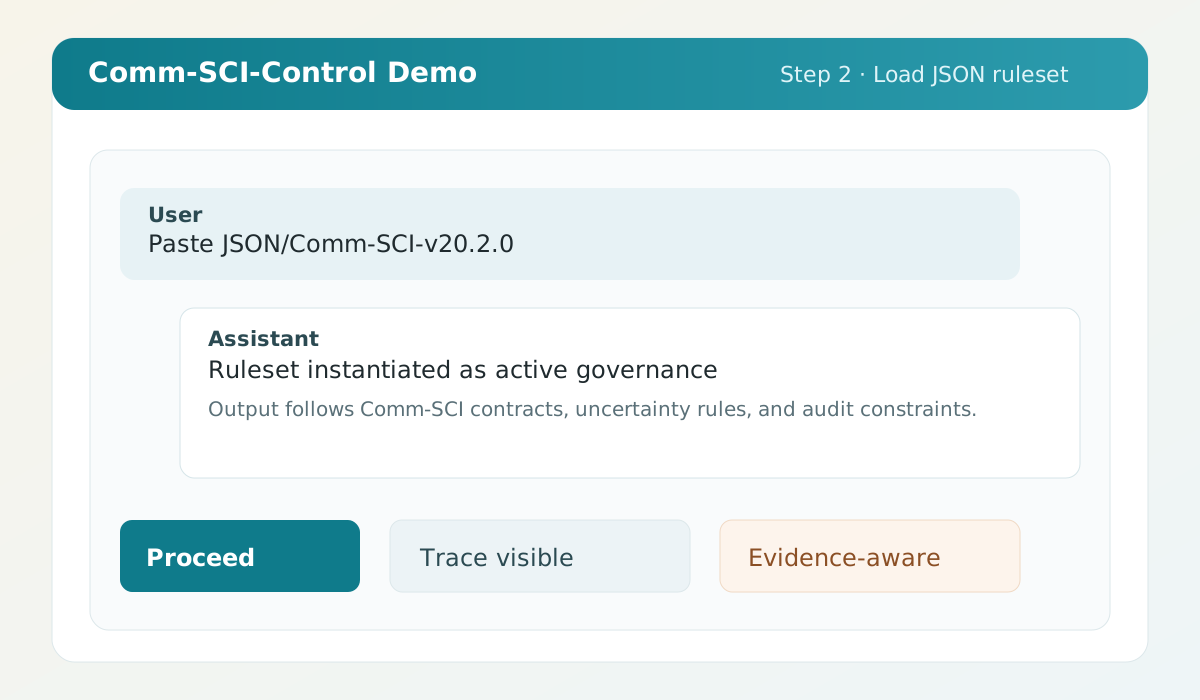
2. Load JSON/Comm-SCI-v20.2.2.min.json
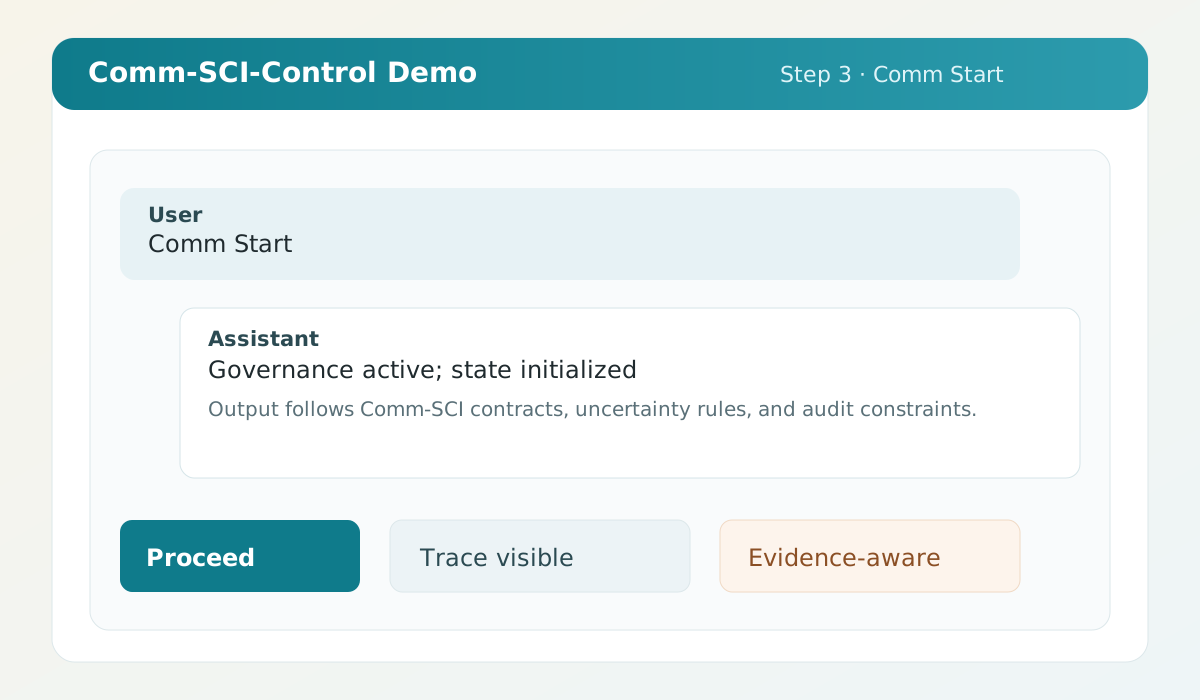
3. Comm Start
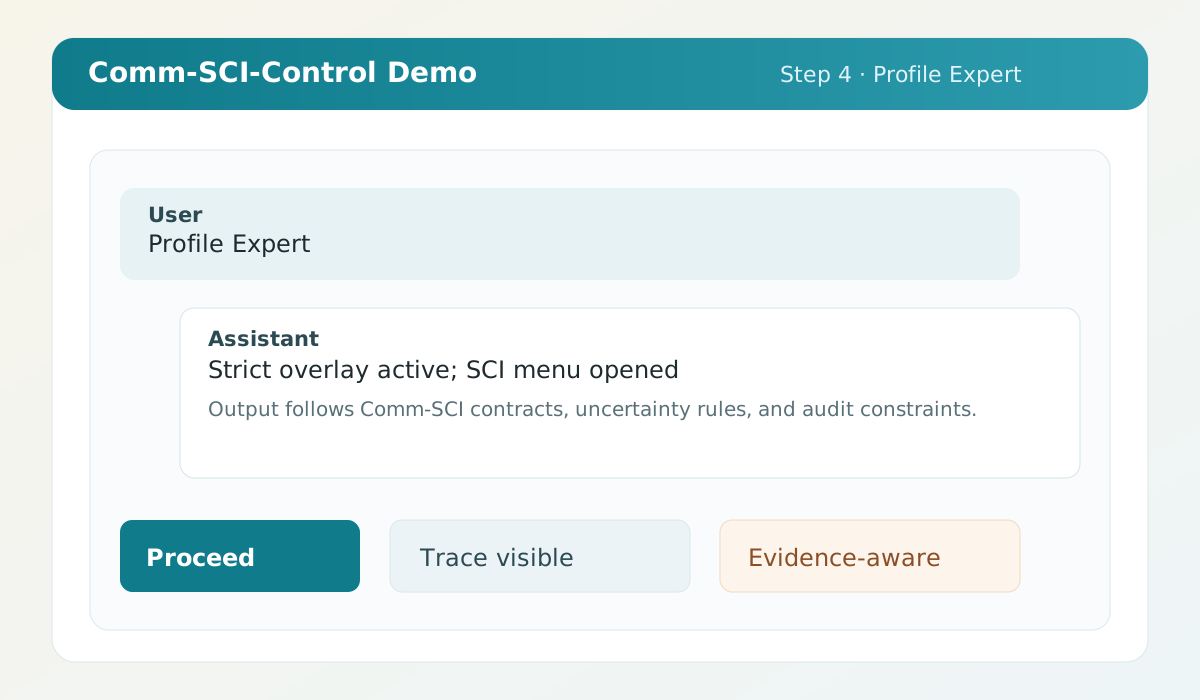
4. Profile Expert (SCI menu opens automatically)
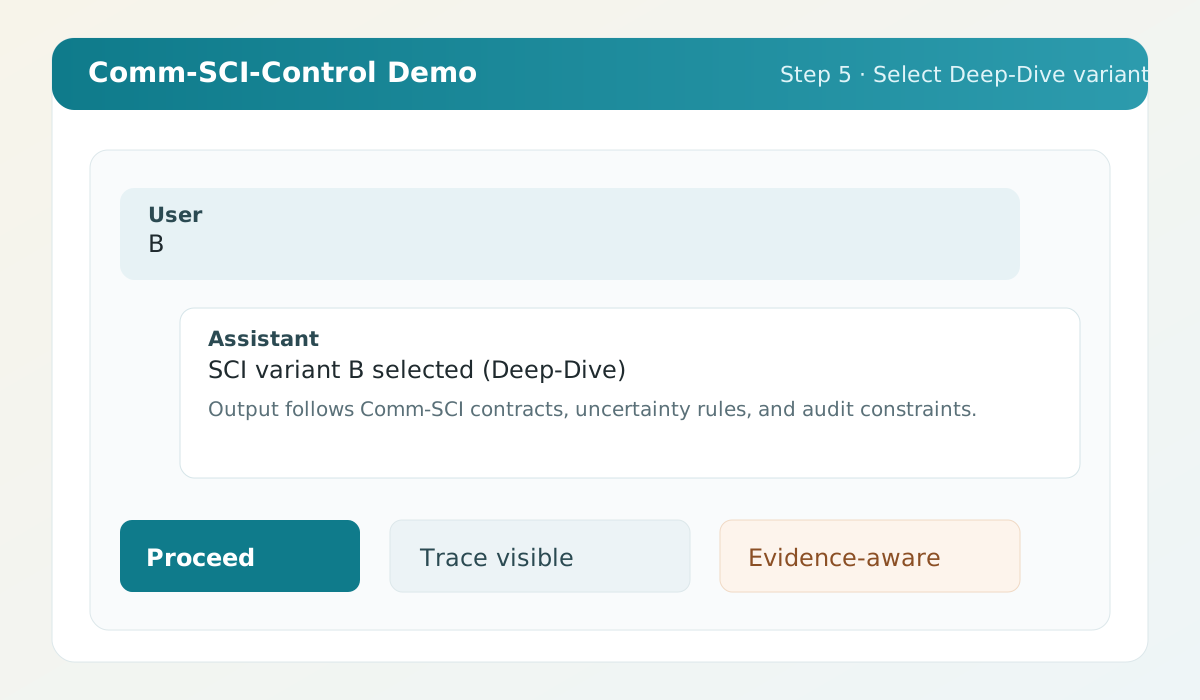
5. Send standalone "B" (Deep-Dive)
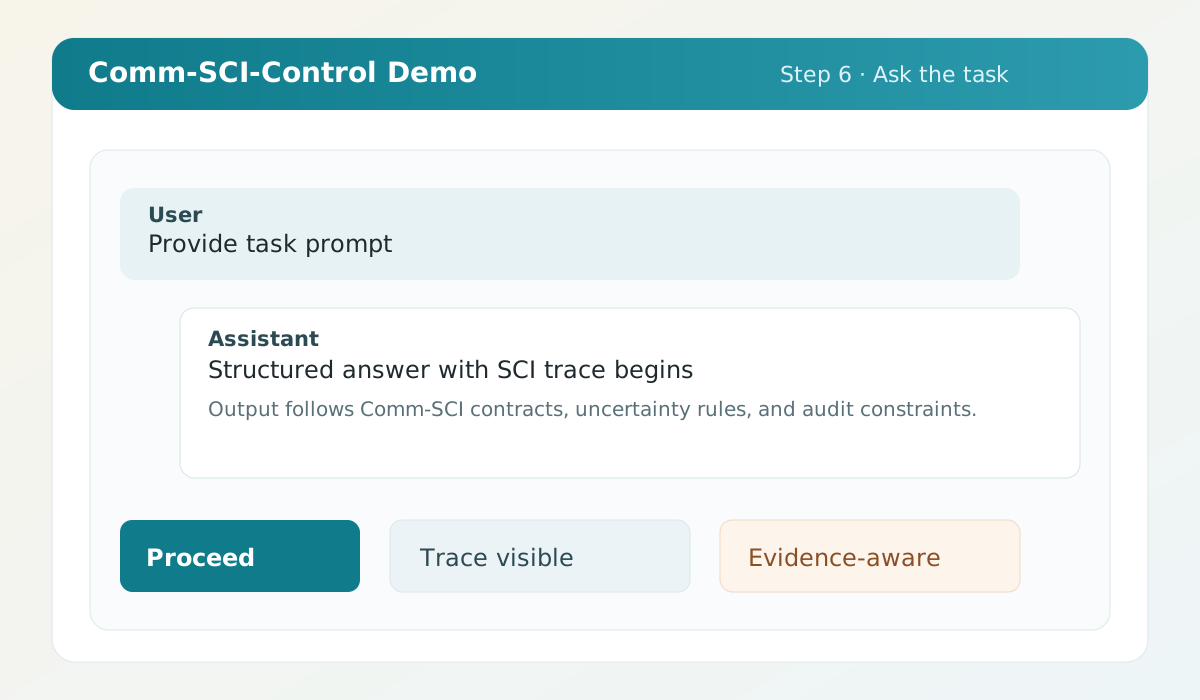
6. Ask your task
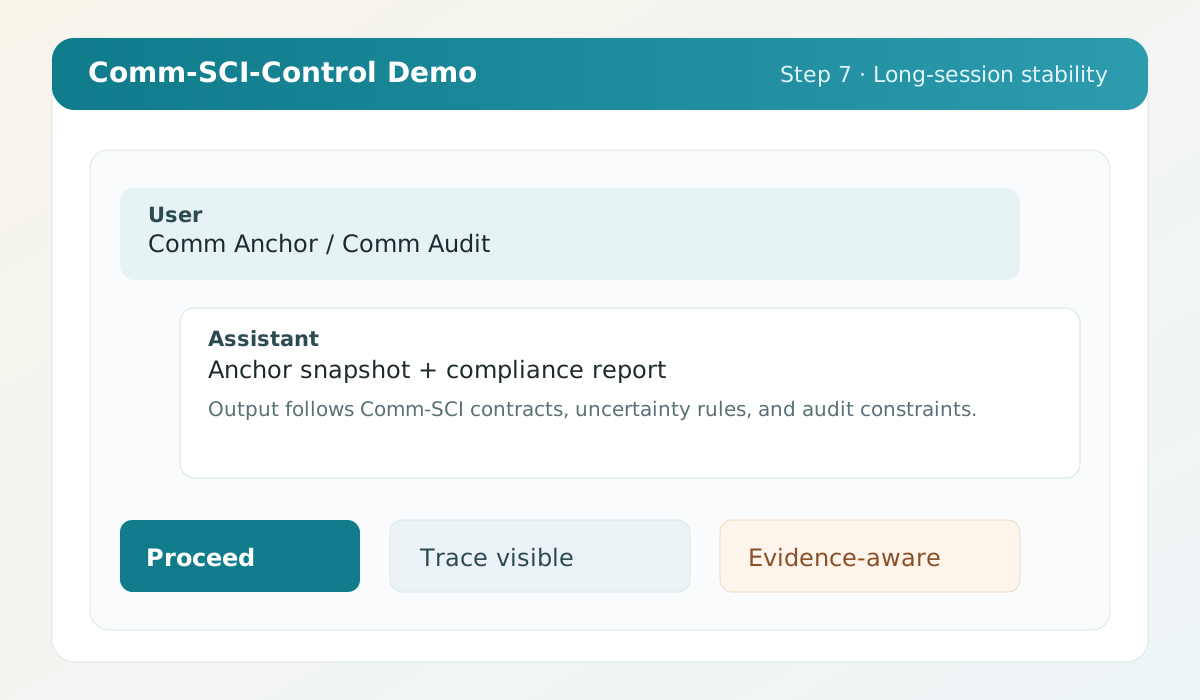
7. In long sessions: Comm Anchor / Comm AuditInit preface (copy-paste)
Interpret the following JSON text for this conversation as a priority guideline for work, structure, and presentation, insofar as this is compatible with your applicable system, safety, and priority rules. The ruleset serves efficient, evidence-oriented human-AI communication. Evidence classes, uncertainty markers, provenance/RAG notes, QC matrix, and self-debunking should make answers classifiable, verifiable, and visibly fallible for the user; they are specifically not intended to create the impression of incontestable truth. Apply the rules semantically. In case of conflicts, higher-priority rules prevail. Refrain from validating, summarizing, or adding unnecessary meta-commentary on the JSON text unless there is a compelling reason. Here is the ruleset:Example screenshots (steps 1-7)